
Television channel listings
Channel listings will appear on your TV screen each time you turn it on.
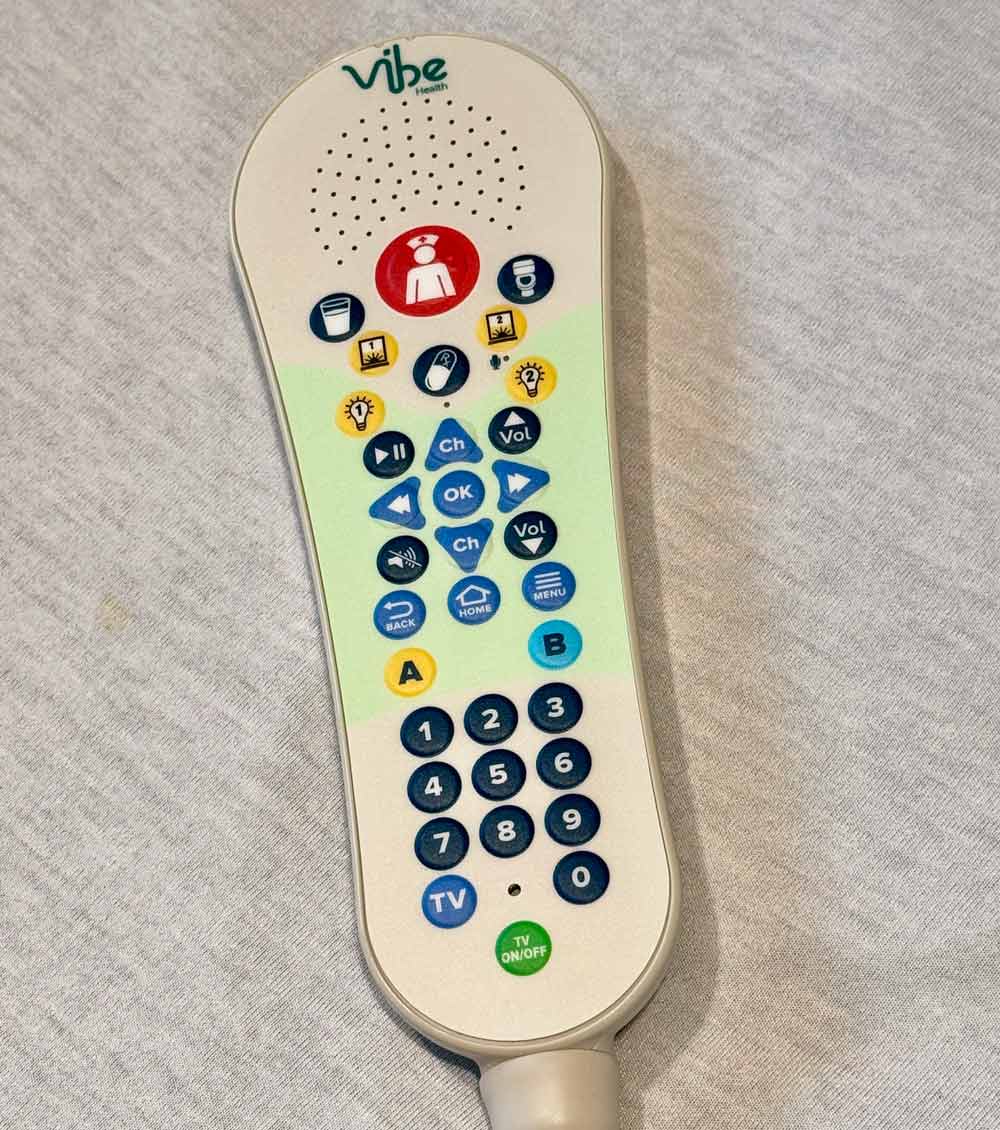
- Use your pillow speaker/remote to turn on your TV.
- The remotes look slightly different at each hospital, but yours will look similar to the one pictured.
- Press “OK” to view a how-to video about using the TV.
Additional information about the digital screens in University Hospital
You can watch TV channels, movies, relaxation content and see information about your stay, along with:
- controls for window shades and room lighting
- health education videos that have been shared with you
- auto-display of each care team member’s name (activated by their identification badge when they enter your room)
- a how-to video for using MyChart Bedside
- video conferencing with your care team
- hospital and visitor information
- a digital whiteboard listing information about your medical care
- Quick whiteboard access tip: While on your TV welcome screen, press A on your pillow speaker/remote or navigate to the Whiteboard icon.
- A pop-up reminder will display on your TV screen at 9 a.m. and 9 p.m. to remind you to view your whiteboard.
Looking for information about your other room features? View our room features page.